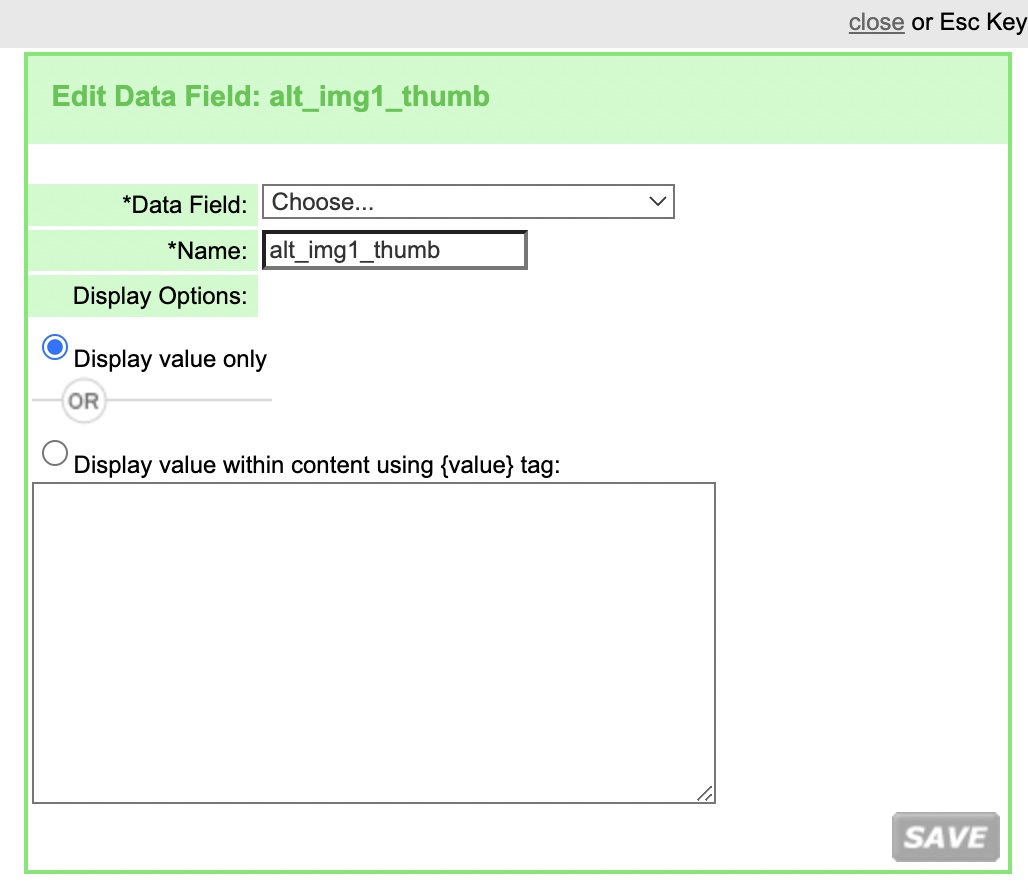
Data Fields is used to assign aliases to data fields. It allows you to name data fields using more familiar naming conventions, which are easily recognized for template insertion.
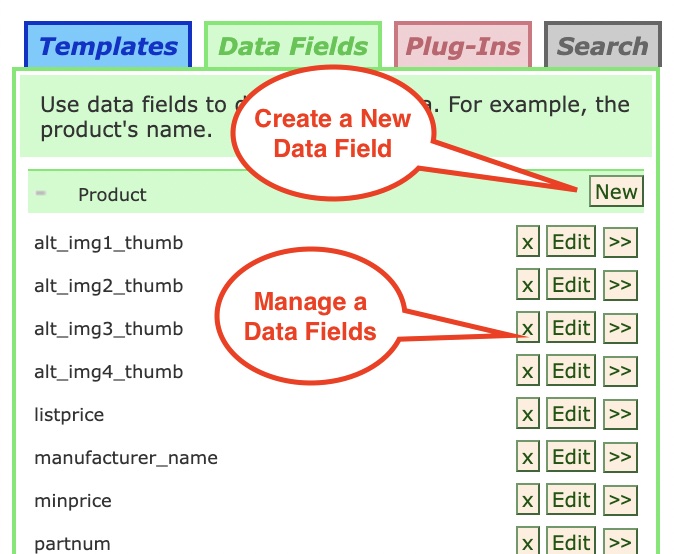
Follow the steps below to assign an alias to a data field.
|
Step |
Action |
|
1 |
In the section where you want to create a new Data Field, click on the New button.
|
|
2 |
Select the data field to rename from the Data Field drop-down list. |
|
3 |
Enter the alias in the Name field. |
|
4 |
Select your display option and click SAVE. 'Display value withing content using {value} tag', this allows to display the value of the data field with additonal content. For example: The 'price is {value}' where {value} outputs the data field. |
© 2023 CORESense · info@coresense.com · 125 High Rock Avenue, Saratoga Springs, NY 12866